Which are the study statuses in Blume?
DESKTOP
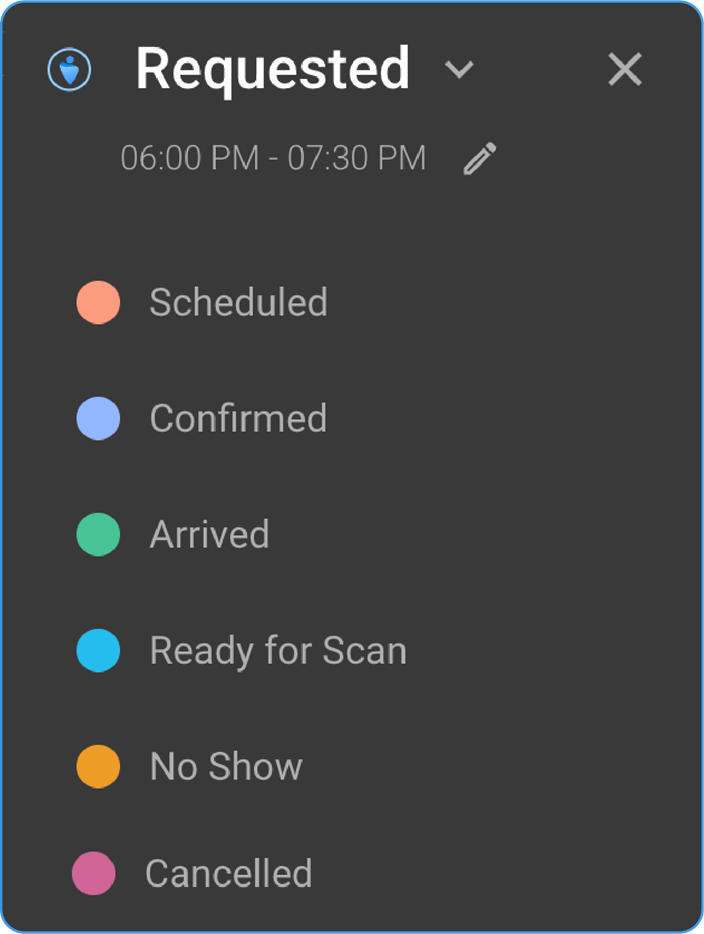
- Blume displays studies that are in the following workflow states:
-
COMPLETED
-
EXAM COMPLETED
-
PATIENT ARRIVED
-
VERIFIED
-
PRIOR
-
SIGNED
Note: Only studies with the workflow step SIGNED include reports; others may only display images.
- Non-Displayed Study Statuses:
The following statuses are not visible in Blume:
-
ORDERED
-
SCHEDULED
-
CANCELLED
-
NO SHOW
Note:
-
*Access to features such as viewing studies, sharing studies, managing appointments, and self-scheduling within Blume depends on the organization's licensing configuration on Breeze. The availability of these functionalities may vary based on the specific license like AFD, BPP, or No License purchased by your healthcare provider.
-
The Blume Basic (BPP) license provides access to Patient Invites and Study Sync, while the Blume Premium (AFD) license includes all BPP features plus Blume Forms, Blume WFA, App Notifications & Confirmation, and Self-Scheduling. Without a Blume license, users do not have access to any of these features.
-
If you encounter restricted features, please get in touch with your healthcare provider for more information regarding their current Blume license settings.
-
License Transition and Data Accessibility
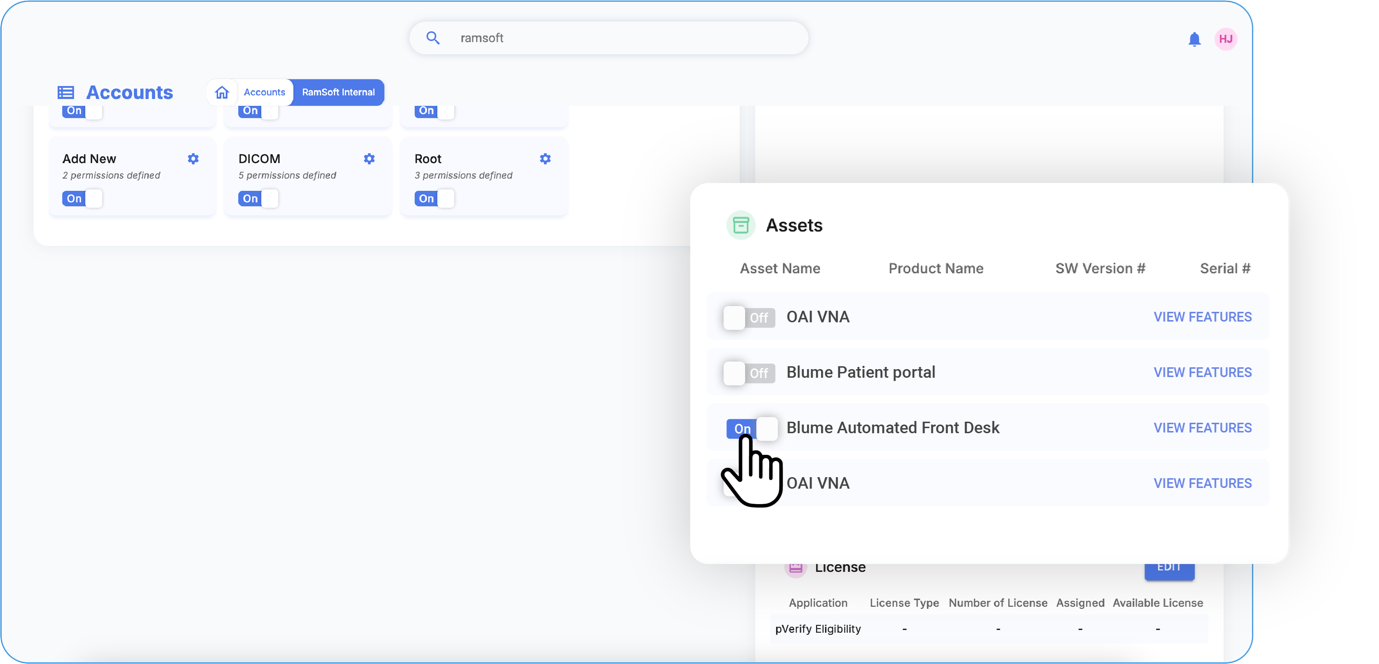
When an organization enables the AFD license, Blume users gain access to:
-
*Self-scheduling
-
*Customized clinical and registration forms
-
In-app and email notifications
-
Viewing, downloading, sharing, and managing studies
-
Booking, rescheduling, and canceling appointments
Switching Licenses and Data Retention
-
If the organization switches from AFD to BPP, all previous studies (reports/images) and appointments issued during the AFD license remain accessible. However, for new appointments, only Study Sync and Email Invites (BPP features) will be available..
-
If the organization switches back to AFD from BPP, users regain access to all past study details and appointments from both the AFD and BPP license periods.
No License Period
-
*When an organization has no active license, users do not have access to any features, including email invites, study sync, self-scheduling, or appointment management.
-
If the organization later enables the BPP license, users can access all past studies and newly synced ones.
-
If the organization enables the AFD license, users can view past studies and appointments from the no-license period along with new ones.
Returning to No License
- If the organization disables AFD/BPP and reverts to No License, past records from the AFD/BPP period remain accessible, but users lose access to all new appointment-related features.